Why Do You Want to Delete File?
Have you ever encounter a situation where you deleted a file but later found out it still there? Just like it cannot be destroyed, no matter how many times you deleted it. Actually, the file is only a cache of the other application. Or there are too many useless files accumulating in the phone which slow down the operating of the system and you want to speed up the programs. Or if you want to sell, donate or give away your Android phone, the first thing you need to do is to have a secure delete throughout your phone. But simply deleting file cannot securely wipe data completely.
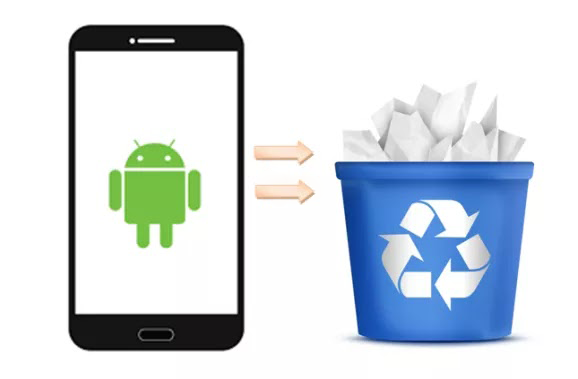
How to Delete Files Permanently on Android Phones?
Generally speaking, the deleted files are not gone forever when you just click the DELETE option in the phone. The system marks them as the deleted data and clear the access of them, so that you cannot find their traces and you thought they are deleted permanently. In fact, they are still stored in the mobile phone until they are overwritten by the new data. The new files cover the deleted files and replace them, which will make the deleted files unrecoverable. Here are two provided ways to have a secure wipe files on your Android phone.
Method 1: Permanently Delete Files with Factory Reset
Most of the mobile phone user would not choose to perform the build-in factory reset because it will wipe all the data stored in the phone and all the setting will be restored to the state when the phone was first waiting to be sold. If you decided to erase all the files on your Android phone, factory reset is a good choice.

After encrypting, the next step is to do the factory reset.

As I have mentioned above, the deleted files should be cover by new files so as to become unrecoverable. Therefore, numerous dummy data need to be download on the phone to full the internal memory. Then repeat the encrypt steps and factory reset.
Note: Please make sure your phone is charged enough because the whole process will cost more than an hour.
You can constantly repeat the steps above for several times until you feel safe about your Android phone. Through this method, your files will be gone for good and there is no chance to recover them.
Pros & Cons:
1. 100% safe and feasible
2. Simple materials: only a phone and an USB cable
3. Cost a long time
4. Multi and complex steps
Method 2: Permanently Delete Files with Mobile Privacy Eraser
If you think the method 1 is difficult for you to operate, method 2 is much easier to handle. Mobile Privacy Eraser is a secure eraser and is designed to erase all the data permanently and completely. If you have any important data, back them up in advance.
1. Install and run Mobile Privacy Eraser on your computer. Connect your Android phone to the PC via USB cable and enable the USB debugging.

2. Choose the erase type depending on your need and wait its scanning.

3. After the scan finishes, mark the files and click "Erase Now" to select the erasing algorithms. Note: The higher the level, the less chance you can recover the deleted files.

4. Type "Erase" in the blank to confirm the process of the deletion.

As you can see, you can delete files permanently in only a few clicks, which is simpler than the factory reset. Besides, it supports all Android devices and Android OS, like Samsung, HTC, Sony, Motorola and so on.
Pros & Cons:
1. Simple and easy operation
2. Save much time
3. Choose one type of files to delete
4. Cannot select a specific file or data to erase
5. Require payment
Two Ways To Permanently Delete Files On Android Phones >>>>> Download Now
回复删除>>>>> Download Full
Two Ways To Permanently Delete Files On Android Phones >>>>> Download LINK
>>>>> Download Now
Two Ways To Permanently Delete Files On Android Phones >>>>> Download Full
>>>>> Download LINK EI